Make a week of short videos before lunch
Zlayo is an all-in-one AI tool for short videos: an AI clipping tool, Reddit story video maker, fake text video maker, split screen maker, AI voiceover generator, voice cloning, auto captions, audiobook maker and a video editor — for YouTube Shorts, TikTok and Reels.
Create an account to look around; plans from $19/month.
Everything Zlayo Does
One account for every short-form video you post.
- AI clipping (Auto-Clip)A long video or YouTube link in; the best moments out as captioned vertical clips that follow the speaker.
- Reddit story videosPaste a post; get it narrated over gameplay with the post card and word-by-word captions.
- Fake text videosWrite a chat; watch it play out with typing bubbles, images, sounds and narration.
- Split screen videosYour clip on top, gameplay underneath, cut to the same length and captioned.
- AI voiceoversType a script and hear it read in one of fifteen voices, with speed, volume and pitch.
- Voice StudioClone your own voice from a short recording and use it in any narration.
- AudiobooksAn EPUB or text file in, a narrated, chaptered audiobook out.
- Captions in your lookNineteen caption styles, or build and save your own: font, size, colour, outline, position.
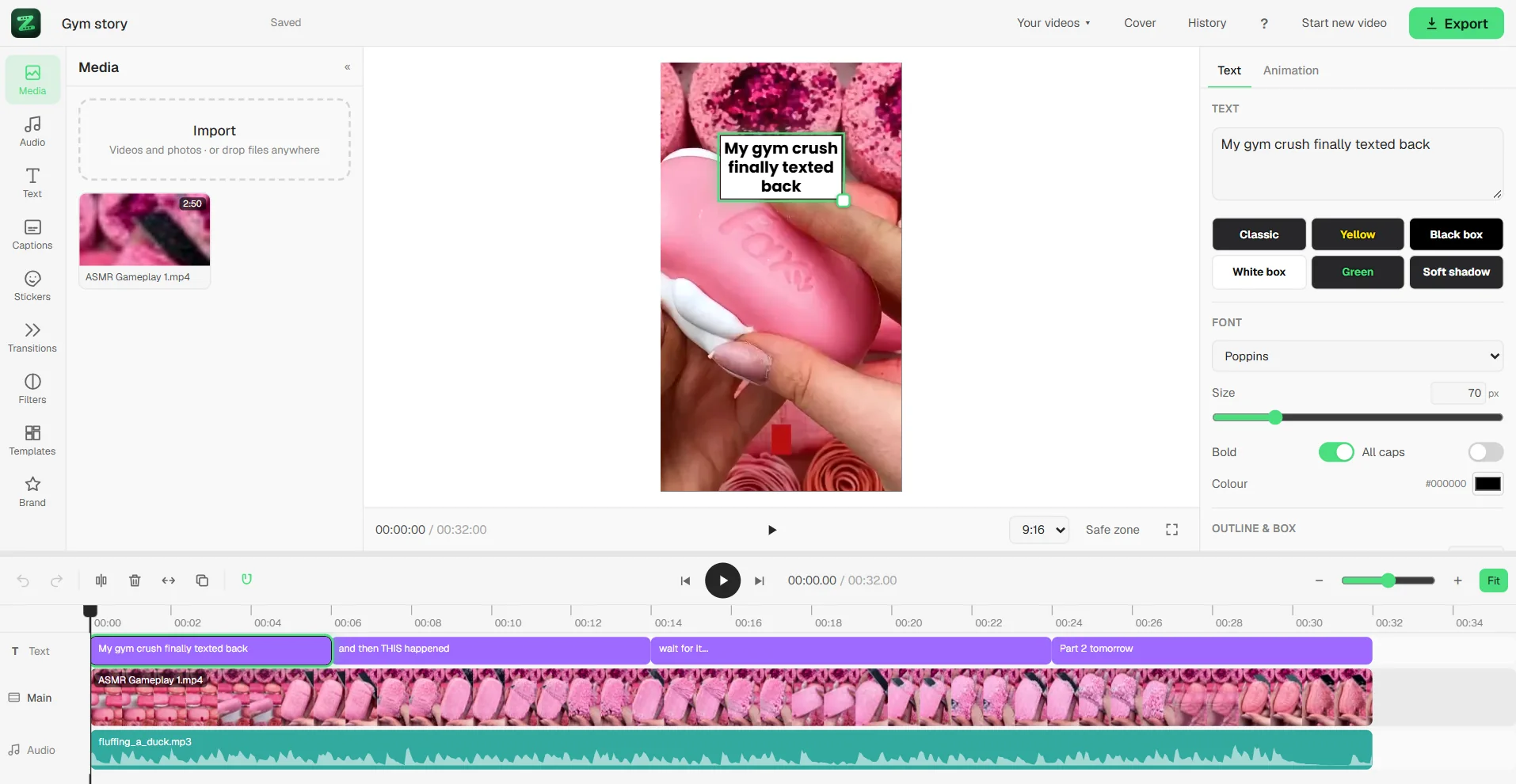
- The editorA timeline editor for captions, text, music and layers; every Zlayo video opens in it.
- Post to YouTubePost finished videos straight to your channel, now or scheduled.
- Clip toolsMake a file smaller, speed it up or slow it down, change the volume, turn it into a GIF or pull the sound out.
Three Steps, Then You're Posting
Nothing to learn first.
Give it something
Upload a video, paste a link, or just type a story. Say how long you want the result and how many you want back.
Pick how the words look
Nineteen ready-made caption looks, or build your own — the font, the size, the colour, one word at a time or whole lines.
Get it back finished
Upright, captioned, sound levelled, ready to post. Open the editor first if you want to change anything about it.
What Goes In, What Comes Out
Real videos Zlayo has already made. Hover a tool to see it, click to keep it.
Zlayo watches a long recording the whole way through, keeps the moments worth posting, turns each one upright and follows whoever is talking so nobody ends up half out of frame.
Drop A Long Video In
An upload or a link. Up to six hours on the top plan.
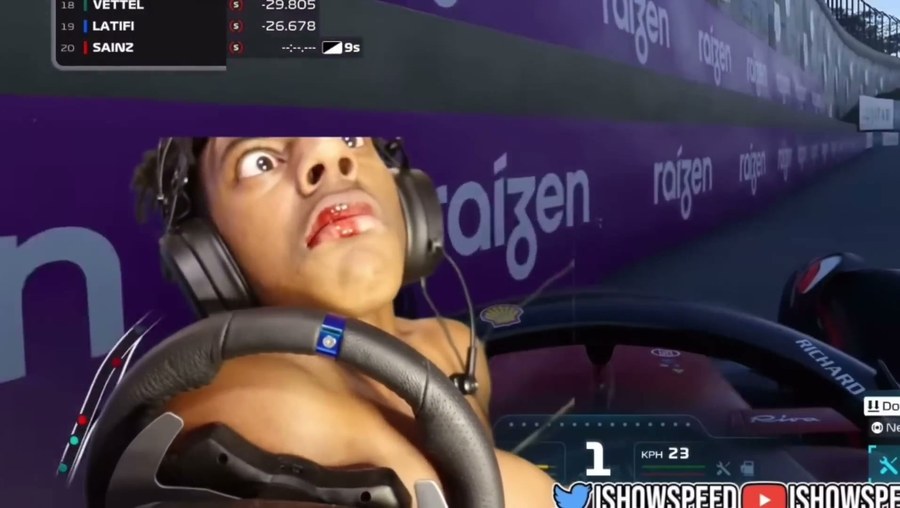
stream_vod.mp4 · 1h 42m
Browse FilesPick The Caption Look
And how long you want the clips, and how many.
Nineteen looks built in. Change the face, the size, the colour and how many words show at once — then save it as your own.
Get Your Shorts Back
Upright, captioned, sound levelled, ready to post.
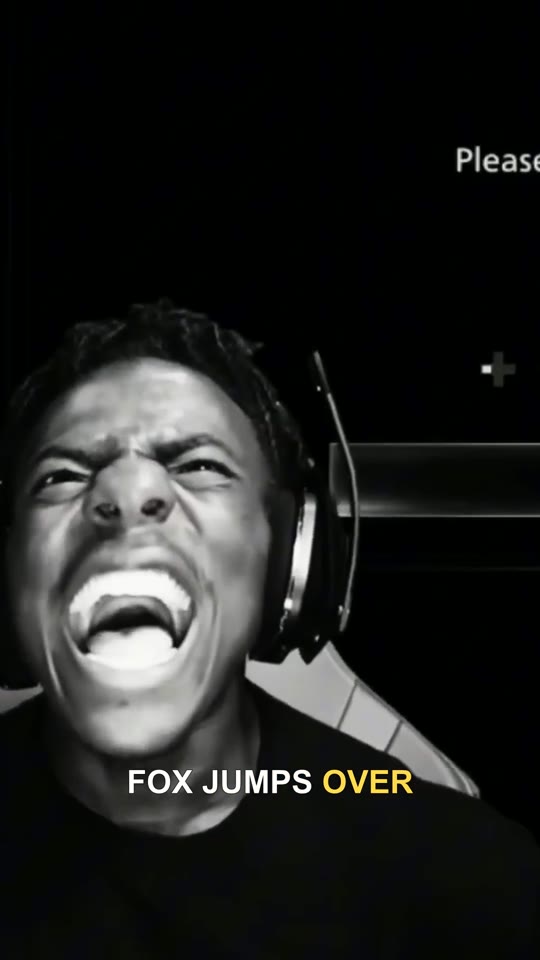
As many as you ask for
Each at the length you set.
- Cropped to follow the speaker, not the centre
- Dead air and filler cut out
- Starts on the line that hooks
The Editor. Start from nothing.
You don't need a clip to open it. Drop in your own videos, layer your own sound and music, have the subtitles written straight off the sound, put images and backgrounds behind everything, and move every piece around until it looks right.
More Than One Tool
All of them on every paid plan. Hover one to watch a real example it made, or tap it on a phone.
1Auto-Clip
Drop in a long video and get the good moments back as short upright clips.
Finds them by listening for energy, speech and scene changes.
2Reddit Stories
Paste a post, pick a voice, get a narrated video over footage you choose.
The little intro card builds itself as you type, so you see it before you make anything.
3Fake Texts
Write a conversation and watch it type itself out over your background.
Typing bubbles, image messages, a sound on any message, and narration if you want it.
4Split Screen
Your camera on top, gameplay underneath, captions written off your sound.
Your half can be an upload or a YouTube link; the footage underneath is ours or yours. Both get cut to the same length.
5Voiceover
Type a script and hear it read back. Real speed, volume and pitch controls.
Not presets — actual sliders, fifteen voices, and you hear it before you download it.
Questions
Hover to peek, click to keep it open.
No. Everything comes back finished — turned upright, captioned and levelled. The editor is there for when you want to change something, not a step you have to get through first.
No. You can make a free account and look around, but making anything needs a paid plan, from $19 a month. Every paid plan has every tool, Auto-Clip included — making videos costs real machine time, so there is no free version of the tools.
It depends on how long the thing you gave it is, not how long the result is. Listening to an hour of footage is the slow part; making the video afterwards is quick. You get told when it is done.
Yes. Nineteen ready-made looks, and you can take any of them and change the font, size, colour, outline and position, then save it to your account and use it everywhere.
They stay in your account while you are paying, and are deleted on a schedule after that.
Yes, from the billing page, and it stops the next payment. You keep everything until the end of the time you have already paid for. Payments themselves are not refundable — the no-refund page sets that out in full.
Yes. Streams, podcasts, interviews, your own recordings. Things where the picture barely moves need the captions doing more of the work, which is what the caption styles are for.
Yes, on any paid plan — what comes out is yours. Whether you had the right to the footage you put in is on you.
Still stuck on something?
Send it over and you'll get a real answer.
You've already got the footage.
Point Zlayo at it and see what comes back.
Get StartedCreate an account to look around; plans from $19/month.